Photo by Kelly Sikkema on Unsplash
A LinkedIn Lead Gen Form is a form attached to a LinkedIn ad. When a member clicks the ad’s call to action, the form opens inside LinkedIn with their profile details already filled in, so they can submit in a few taps and never visit your website. It removes the biggest cause of drop-off in B2B paid media, the manual form. But a form only produces revenue when the offer, the audience, the questions and the follow-up are built as one system. That is where most campaigns lose money, and it is why we plan the form, the ad and the CRM together.
TL;DR
- Lead Gen Forms are native LinkedIn forms, pre-filled from member profiles and attached to ads. They are not a standalone product.
- A form can hold up to twelve fields in total, custom questions included. Fewer fields usually mean more submissions, and more qualifying questions mean fewer but better leads.
- Connect the form to your CRM before launch, and make sure the lead is followed up quickly and attributed to its campaign.
- Lead quality is decided by the offer, the audience and the questions, so judge success on pipeline, not on cost per lead alone.
- Lead forms for LinkedIn Pages and Showcase Pages are no longer available, so every new form now sits behind an ad.
Table of Contents
- What LinkedIn Lead Gen Forms are
- Who they suit
- What goes into a good form
- Examples of Lead Gen Forms that work
- How to set one up, step by step
- Getting leads into your CRM and following up
- Privacy and consent for UK advertisers
- How to judge results
- Common mistakes
- Work with Vertical on LinkedIn lead generation
- FAQ
- Sources
What LinkedIn Lead Gen Forms are
A Lead Gen Form is a customisable template that fills in contact and profile information automatically when a member clicks your ad’s call-to-action button, as LinkedIn’s own help pages describe. The member sees a short form, checks the details, edits anything they want to change and submits. They then see a thank-you message, which can link to the asset you promised or to a page of your choice.
Three points shape how you plan around them:
- The form is part of an ad. It is not an ad format on its own. You build it as an asset in Campaign Manager, LinkedIn’s advertising platform, and attach it to a campaign that uses the lead generation objective.
- The data comes from the member’s profile. That is why the information is usually cleaner than a typed form. It also means members can see exactly what they are handing over.
- Pages no longer collect leads on their own. According to Microsoft’s LinkedIn lead syncing documentation, lead forms for LinkedIn Pages and Showcase Pages are no longer available, although existing forms keep working. If an older guide tells you to add a lead form to your company page, it is out of date.
Who they suit
Lead Gen Forms work best where a person’s job title, seniority and company are what make them a good lead. That covers:
- B2B companies selling software, services or consulting to defined roles.
- Educators and course providers who want enquiries or registrations from working professionals.
- Agencies and consultancies that want discovery calls with decision-makers.
- Consumer service businesses with a professional audience, such as corporate wellness or training.
If your buyer is a consumer with no professional angle, other paid social channels are usually the better fit for your budget.
What goes into a good form
Every field is a small ask. The form has four parts you control.
The offer
The headline and detail text must match the promise in the ad. If the ad says “Download the 2026 pricing benchmark”, the form says the same thing in the same words. A mismatch between ad and form is a common reason for people abandoning at the last step.
The offer decides what kind of lead you get:
- Content offers (reports, guides, templates) produce more leads at a lower cost, but the people who respond are earlier in their buying process.
- Demo or consultation offers produce fewer leads, but they are closer to a sales conversation.
- Event registrations suit webinars and workshops where the date creates urgency.
The fields
LinkedIn lets you select up to twelve fields on a form, drawn from contact, work, company, education and demographic categories. First name, last name and email address are pre-selected by default, and they count toward the twelve. Custom questions count toward the same maximum.
Twelve is a ceiling, not a target. A practical rule:
- Volume goal: name, work email, job title and company.
- Quality goal: the same, plus one custom question that separates serious buyers from browsers, such as budget range, team size or timeline.
- Sales-ready goal: add a phone number only if your team will call within the hour. A field you will not use costs you completions for nothing.
Pre-filled fields can be edited by the member, so a personal email can slip through where you wanted a work address. Choose the work email field where you can, and check the data before it reaches your sales team.
The qualifying question
One well-chosen question does more for lead quality than any targeting tweak. Good examples:
- “What is your monthly paid media budget?” with ranges to pick from.
- “How many people are on your marketing team?”
- “When are you looking to start?”
Multiple choice keeps the form quick and gives you data you can segment in your CRM.
The thank-you step
The confirmation screen is part of the conversion. Tell the person what happens next, whether someone will contact them, and when. Link to the asset straight away for a content offer. For a service enquiry, link to a booking page or a page that sets expectations.
Examples of Lead Gen Forms that work
Three patterns cover most B2B needs.

Content download. A document or single-image ad promotes a benchmark report. The headline names the report, the form asks for name, work email, job title and company, and the thank-you screen links to the file. Lead the ad with one striking statistic from the report, because a number gives the click a reason.
Event or webinar registration. The ad names the speaker and the topic. The form asks for the basics and one question about what the person most wants answered, which gives the host material to tailor the session and gives sales a conversation starter afterwards.
Service enquiry or quote. The ad shows the outcome (more bookings, lower acquisition cost, a faster sales cycle) and the offer is a call or a tailored proposal. The form asks for company size, budget band and timeline. The thank-you message says who will respond and within what timeframe.
The common thread is a specific offer, a short form and a clear next step. For ideas on the ad itself, see our practical playbook for B2B LinkedIn ads.
How to set one up, step by step
- Check your access. You need an ad account in Campaign Manager, a LinkedIn Page associated with it, and a role that lets you create forms. Have a privacy policy URL ready, because the form needs one.
- Create the campaign. Choose the lead generation objective, then set audience, budget and format. Document ads suit content offers, and message or conversation ads suit invitations to a call.
- Build the form. In the assets area, create the form: offer headline, short description, privacy policy link and call to action. Then choose your fields and any custom question.
- Write the confirmation. Add the thank-you message and the link people need next.
- Connect your CRM. Do this before you publish, not after. Leads that sit in a download file are leads that go cold.
- Preview on mobile and launch. Most members will see the form on a phone, so check it there first.
- Review and refresh. Compare forms and creatives against each other, changing one variable at a time, and replace the creative when results flatten.
Two things go wrong here. Teams build the form and ad in isolation, so the promise changes between the two. And they leave tracking until later, so no one can say which campaign produced which pipeline.
Getting leads into your CRM and following up
Leads from a form are only worth what happens to them in the first hours. Send them straight into your CRM or marketing automation platform, tag them with their campaign and offer, and route them to the right person. Our Salesforce agency page covers CRM work of this kind.
A few checks matter on the technical side:
- Match logic. Adobe’s documentation for its Marketo Measure LinkedIn integration explains that it uses the Ad Form API and Ad Form Response API to read submissions, and matches the email to CRM leads, preferring the work email, then the primary email field, then custom email fields. Their integration guide also notes a 90-day lookback on form responses, so set up the connection early rather than backfilling.
- Format coverage. The same guide says that integration supports single image and video ads through Lead Gen Forms but not carousel ads. Check your platform’s supported formats before you pick a creative format.
- Phone follow-up. If your team calls new leads, inbound call tracking and analytics help you link calls back to the campaign that started them.
For the full picture of tracing revenue back to its origin, read our guide to B2B lead attribution. Once the lead is in, the next job is nurture, covered in our piece on signal-first B2B nurture flows.
Privacy and consent for UK advertisers
A form collects personal data, so it falls under UK data protection law. In practice:
- Link a privacy policy that says what you collect, why, and how long you keep it.
- State plainly what the person will receive. If they will get marketing emails as well as the asset, say so.
- Use the optional consent checkbox where your lawful basis for follow-up relies on consent. Boxes should not be pre-ticked.
- Do not load leads into email sequences beyond the scope they agreed to.
For anything specific to your legal basis, speak to your data protection officer or a solicitor.
How to judge results
Cost per lead is the number every dashboard shows, and it misleads. LinkedIn’s leads often cost more than those from other platforms, but they come from people matched on role and company, so the right comparison is cost per qualified opportunity and pipeline value.
Track these in order:
| Measure | What it tells you | Where to look |
|---|---|---|
| Form completion rate | Whether the form and offer match the ad | Campaign Manager |
| Cost per lead | The price of a submission | Campaign Manager |
| Lead to sales-qualified rate | Whether the right people responded | CRM |
| Cost per opportunity | The real cost of pipeline | CRM plus ad data |
If completion is high but few leads qualify, the form is too easy or the audience too wide: add a qualifying question or tighten targeting. If completion is low, remove a field or sharpen the offer. If clicks are high but nobody opens the form, the problem is in the ad, and our diagnostic guide to paid social ads that do not convert walks through it.
Common mistakes
- Too many fields. Each extra field loses some people. Ask only for what sales will use in the first conversation.
- A vague offer. “Contact us” is not an offer. Name the thing they get.
- No follow-up speed. A lead that waits days has already looked at your competitors.
- No tracking. Without campaign and offer data in the CRM, you cannot say which ads create pipeline.
- Judging on cost per lead alone. The cheapest lead is often the least qualified.
- Treating the form as the whole funnel. The ad, the audience, the form and the nurture all affect the result. For the wider view, see our approach to measured full-funnel marketing.
Our view: the form is the easy part
Building a Lead Gen Form takes an afternoon. Getting it to produce revenue takes alignment between the people who write the ad, the people who build the form, the people who run the CRM and the people who call the lead. When those sit with four different vendors, each one optimises its own number: the media buyer lowers cost per lead, the CRM team cleans data, sales complains about quality, and nobody owns the gap.
We work the other way. Strategy, creative, performance marketing and web development sit under one roof at Vertical, so the offer, the ad, the form and the follow-up are planned together and measured against the same outcome. We keep the structure simple: one clear offer, a short form, a connected CRM and one set of reporting.
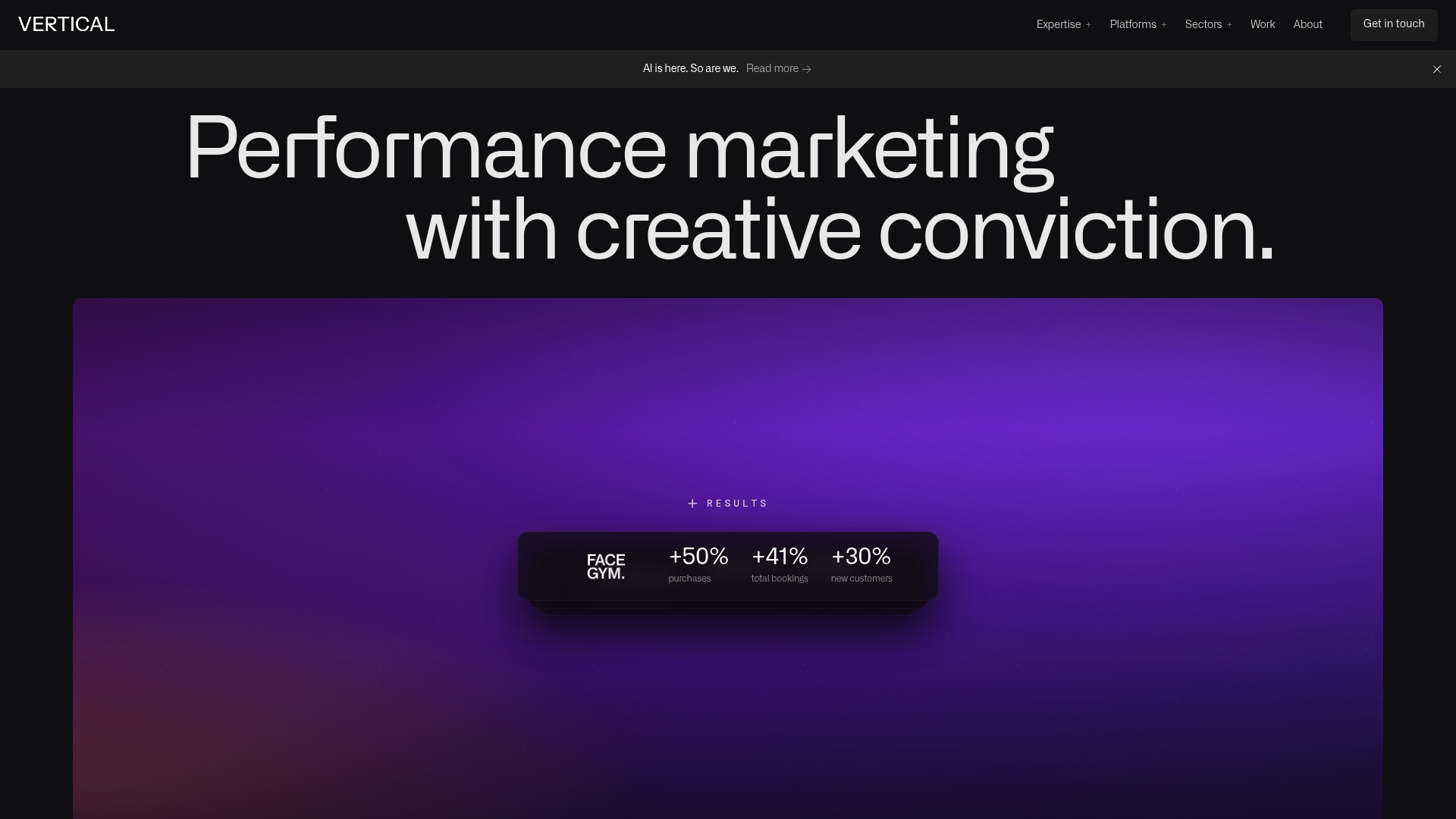
That approach is behind results such as FACEGYM’s 50% increase in purchases and 41% rise in bookings. Different business, same principle: clarity in how the pieces fit together.
Alex
Work with Vertical on LinkedIn lead generation
If you want LinkedIn lead generation without managing separate creative, media and CRM suppliers, our team covers paid social, creative design, CRM management and the tracking that connects them. We plan the lead form with the ad and the follow-up, so you see which campaigns produce pipeline. Explore our services or see examples of our work.
FAQ
What are lead gen forms on LinkedIn?
They are forms attached to LinkedIn ads that open inside LinkedIn and fill in a member’s profile details automatically. The member reviews, edits if needed and submits without leaving the platform. You then receive the lead in Campaign Manager or in your connected CRM.
How many fields can a LinkedIn lead form have?
You can select up to twelve fields, and custom questions count toward that maximum. First name, last name and email are pre-selected by default. Most B2B forms work best well under the limit.
Can I add a lead gen form to my LinkedIn Page?
No. Microsoft’s documentation states that lead forms for LinkedIn Pages and Showcase Pages can no longer be created or downloaded, although existing ones continue to work. New forms are built in Campaign Manager and attached to ads.
How can lead generation be done through LinkedIn?
The most direct route is a lead generation campaign with a Lead Gen Form: you define an audience by job title, industry or company, promote a specific offer, and collect submissions. Connect the form to your CRM so every lead reaches sales with its campaign data. Organic posting and outreach can support it, but paid forms are the repeatable part.
Sources
- LinkedIn Marketing Solutions Help: Lead Gen Form Fields
- Microsoft Learn: Lead Syncing for LinkedIn
- Adobe Marketo Measure: LinkedIn integration